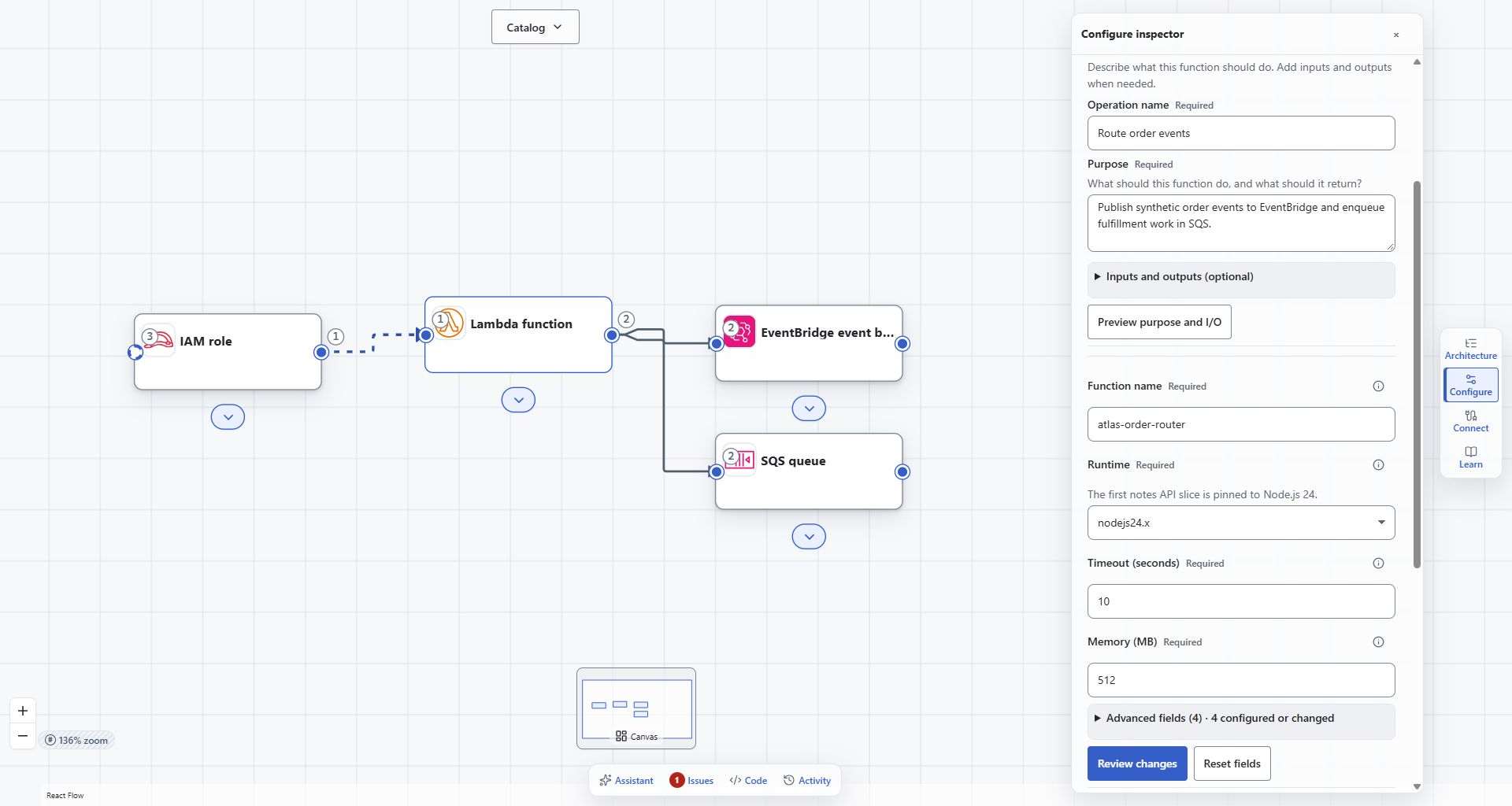
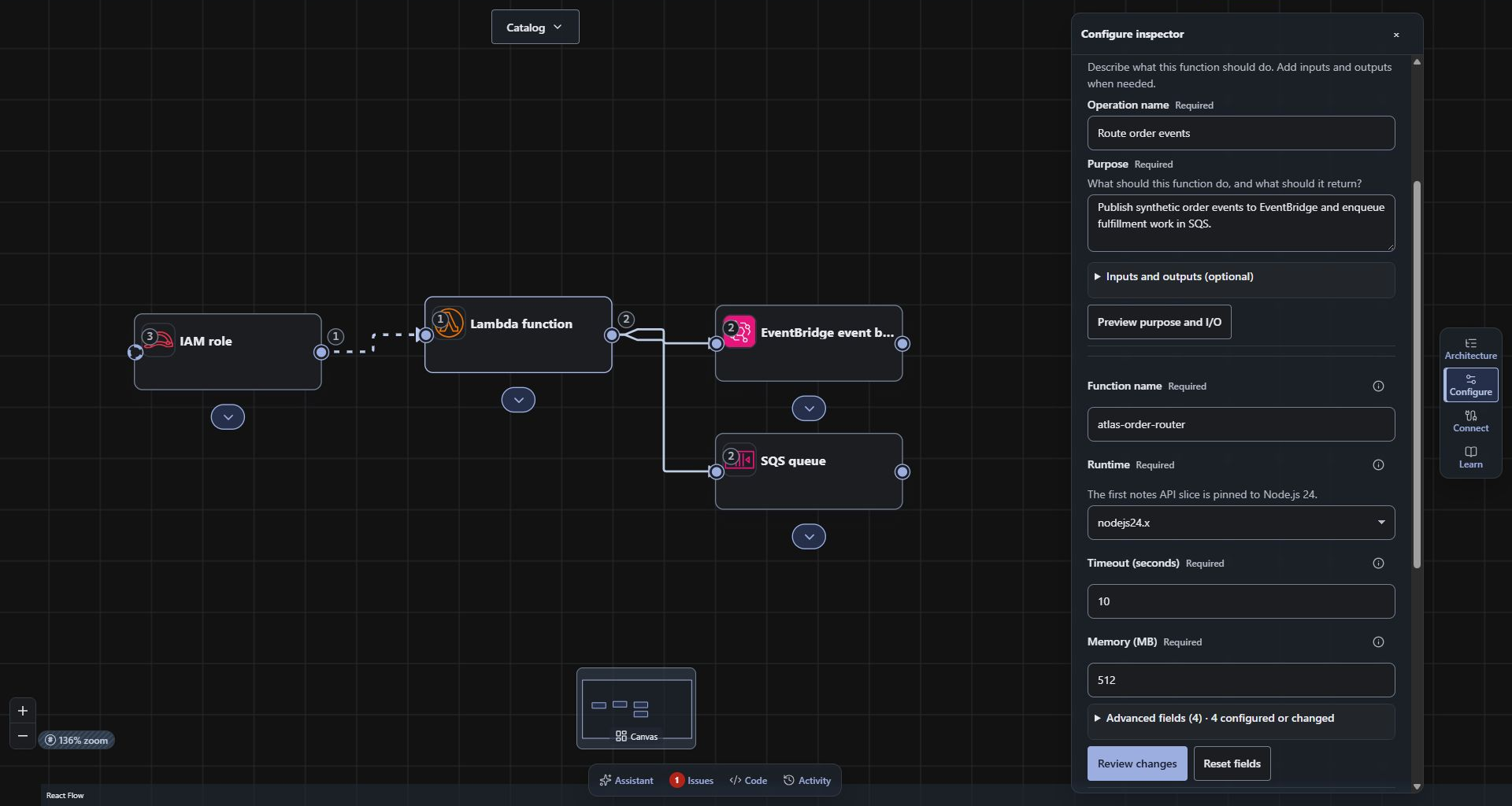
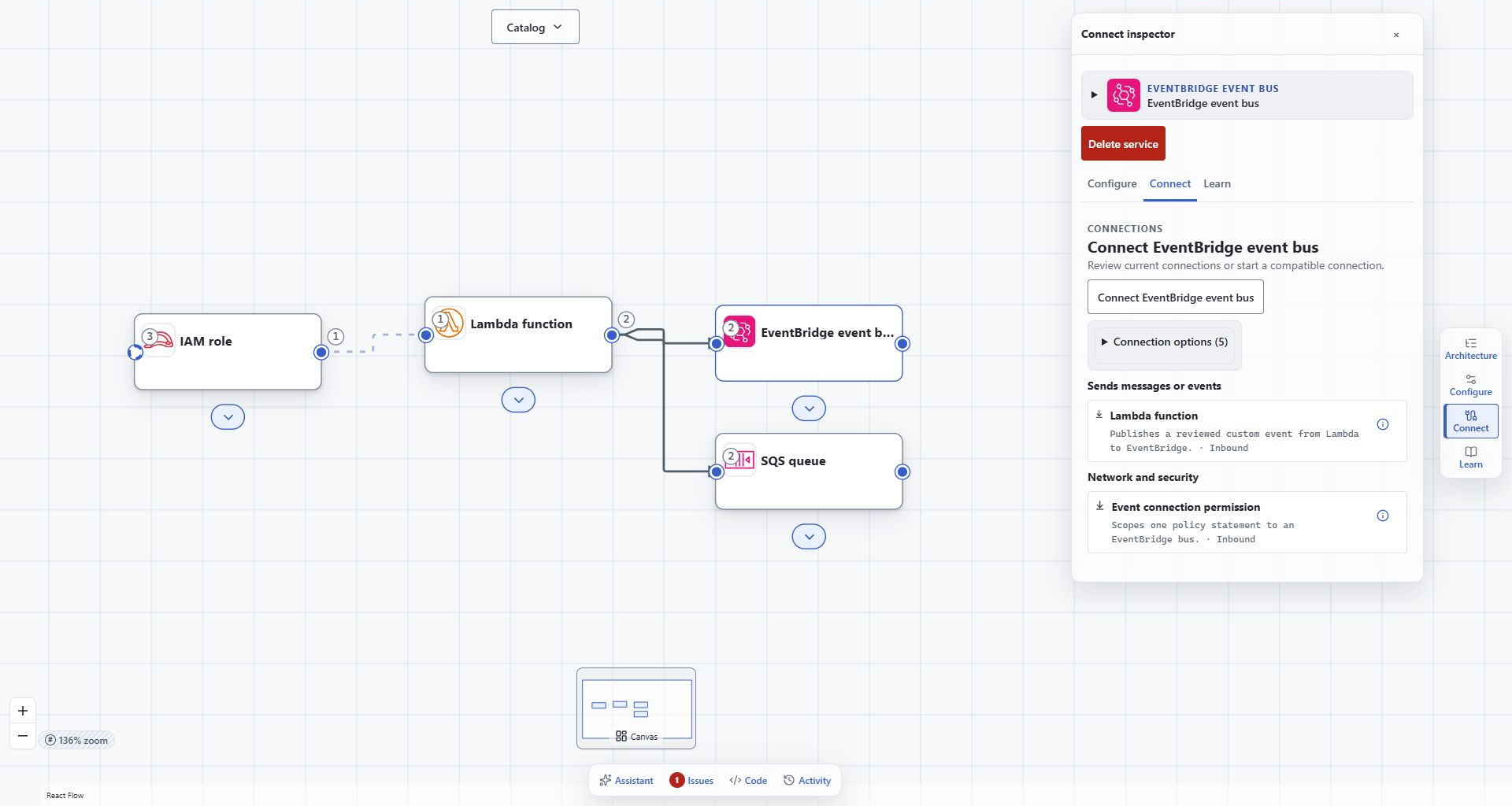
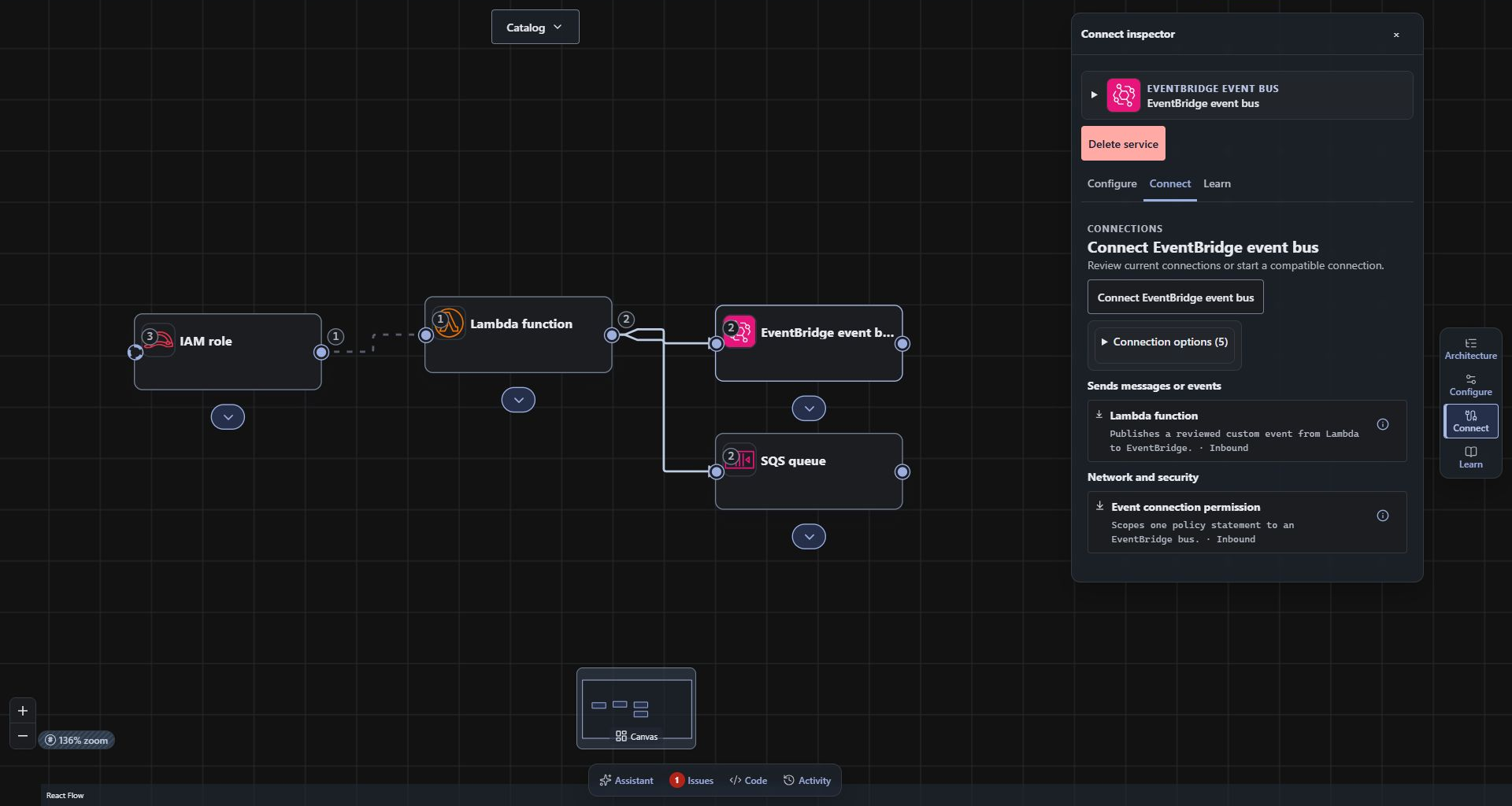
A few focused views of the actual beta, showing configuration and relationships in the wider architecture context.
01 / Configuration in context
The settings belong with the design.
Inspect supported resource properties while keeping the architecture visible. A Lambda function’s runtime, memory, timeout, and stated purpose are decisions you can review alongside its connections.
Configure each resource in the context of the architecture.Actual beta capture. The complete composition is preserved.Open full-size screenshot ↗
02 / Meaningful relationships
A connection carries more than direction.
Review a relationship’s requirements and intended access. The Lambda-to-EventBridge example describes event publication and delivery questions; the model records design intent.
Review typed relationships and their supporting permissions.Actual beta capture. The complete composition is preserved.Open full-size screenshot ↗
No cloud permissions are provisioned by viewing or editing this model. Review the target environment before deployment.
Explore the major capabilities
One workspace. Specific decisions.
Use the catalog, configuration, purpose preview, connections, and supported validation checks to work through the design.
Choose services deliberately.
Search the supported AWS catalog and inspect each service’s available properties and relationships.
Review a manual change.
The purpose preview gives you an explicit apply/discard boundary before a stated function purpose changes.
Keep findings visible.
A completed check can leave open questions. The captured validation warning keeps regional availability unresolved.
CloudFormation is the current export target. Export access and optional application-source coverage depend on workspace availability and supported workloads. Review and test generated output through your own delivery process.